
Type your line or narration here
Voice
Jessica / EmotionalMarcus / IntenseNatalie / Bright
Emotion tone
From webtoons and games to short-form videos and podcasts, bring stronger emotion and character presence into your content.
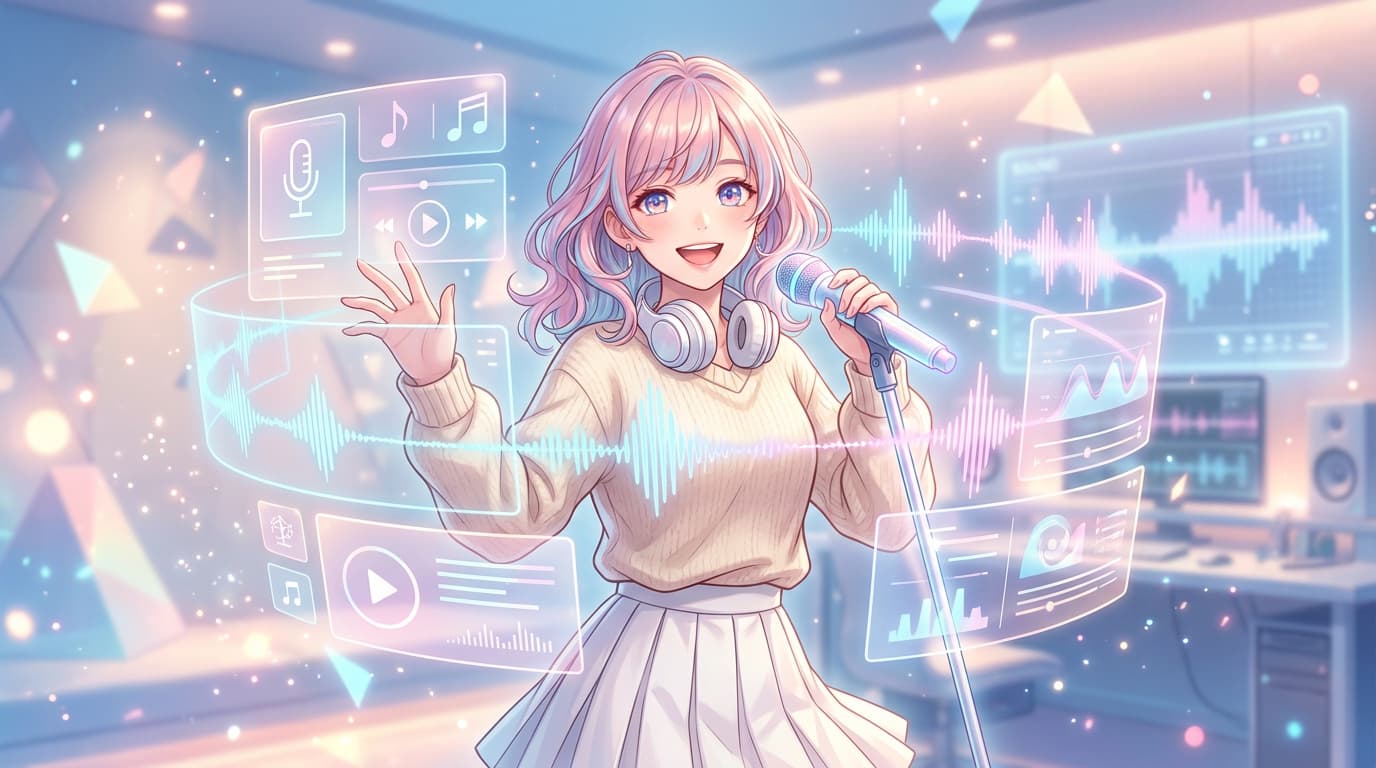
A compact preview of the editor flow helps visitors understand what they can make before they even enter the app.
A product-flavored preview makes the text input, voice selection, tone control, and output flow easy to picture.
"This scene needs a little more emotional lift."
Inside the product, the flow expands into more voices, more tones, and deeper scene settings.Continue in Aery SpeechFrom webtoon leads and villain lines to short-form narration and VTuber tones, hearing them first makes the choice faster.
Great for teaser scenes, character intros, and emotional romance cuts.

Made for game event scenes that need tension and presence at the same time.

A strong fit for promo clips, ads, and short-form intros that need clarity fast.

Helpful for stream covers, profile videos, and character-first intros.
Open the app to continue the flow of listening, comparing, and saving.
Open appTemplates give first-time users a concrete starting point by framing common content scenes first.
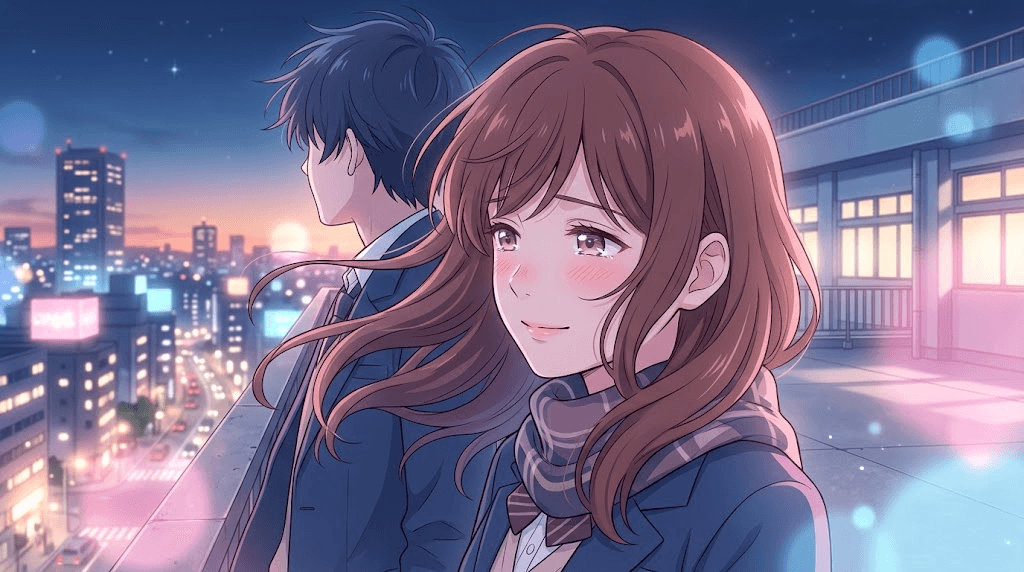
A starting point for teaser, intro, and character-led emotional scenes.
Start with this scene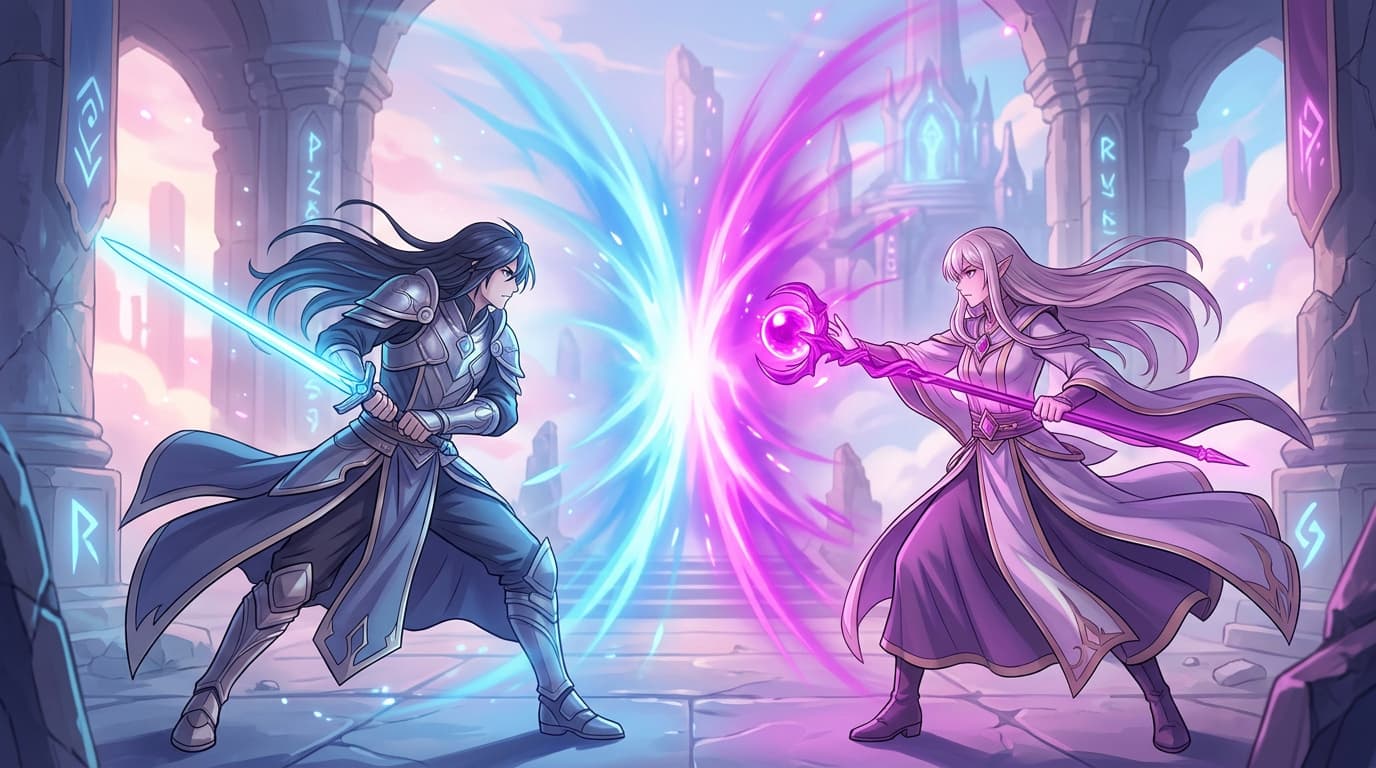
Built for confrontations, boss reveals, and moments that need strong character impact.
Start with this scene
A good match for short promos, intros, and fast branded explainers.
Start with this sceneUseful for podcast intros, host scripts, and guided episode openings that need clarity and stability.
Start with this sceneThe same sentence can feel calm, natural, or bright depending on tone. That shift is what sells character and atmosphere.
Best for brand stories, emotional scenes, and narration that needs stability.
A natural middle point for webtoon narration, explainers, and general content.
Useful when intros, VTuber videos, or promos need energy right away.
Listen, imagine it in your own scene, and keep going when it feels right.